
How Do You Set Up Lines and Cut Paths for Custom Shapes in Print Design?
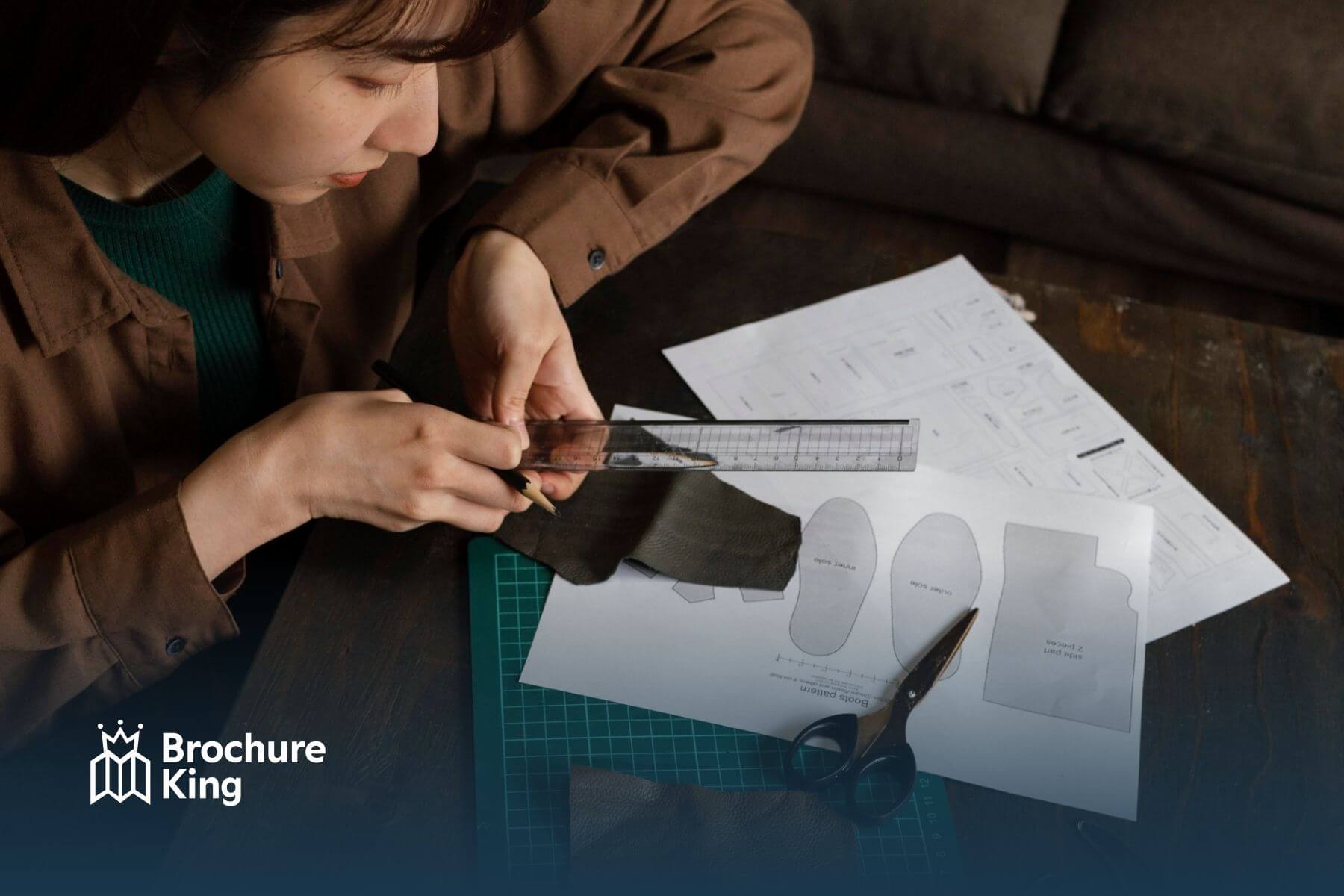
When creating custom-shaped brochures, stickers, or promotional materials, cut lines and paths are essential. A cut line defines exactly where the printer will trim your design, ensuring the final product matches your intended shape. Without precise cut paths, your design may print correctly but won’t cut cleanly, leading to uneven edges or misaligned shapes.
To set up cut lines, designers typically create a separate layer in their file dedicated to the cut path. This path should be a single, solid line not a filled shape, and is usually marked with a distinct color (commonly 100% magenta) so the printer can recognize it. Rounded corners and smooth curves help avoid jagged cuts, while proper bleed ensures no white edges appear after trimming.
For businesses and agencies, mastering cut paths means sharper, more professional marketing materials that stand out. Whether you’re producing brochures, flyers, or custom promotional pieces, precision in setup saves time and ensures flawless results.
At Brochure King, we make custom shapes easy. Our team checks your files, ensures cut paths are accurate, and delivers high-quality prints quickly and affordably.
Ready to stand out with custom-shaped brochures. Contact us or request a quote today!
 Hi! How can we help?