
What File Format Is Best for Printing (PDF, PNG, JPG, AI)?
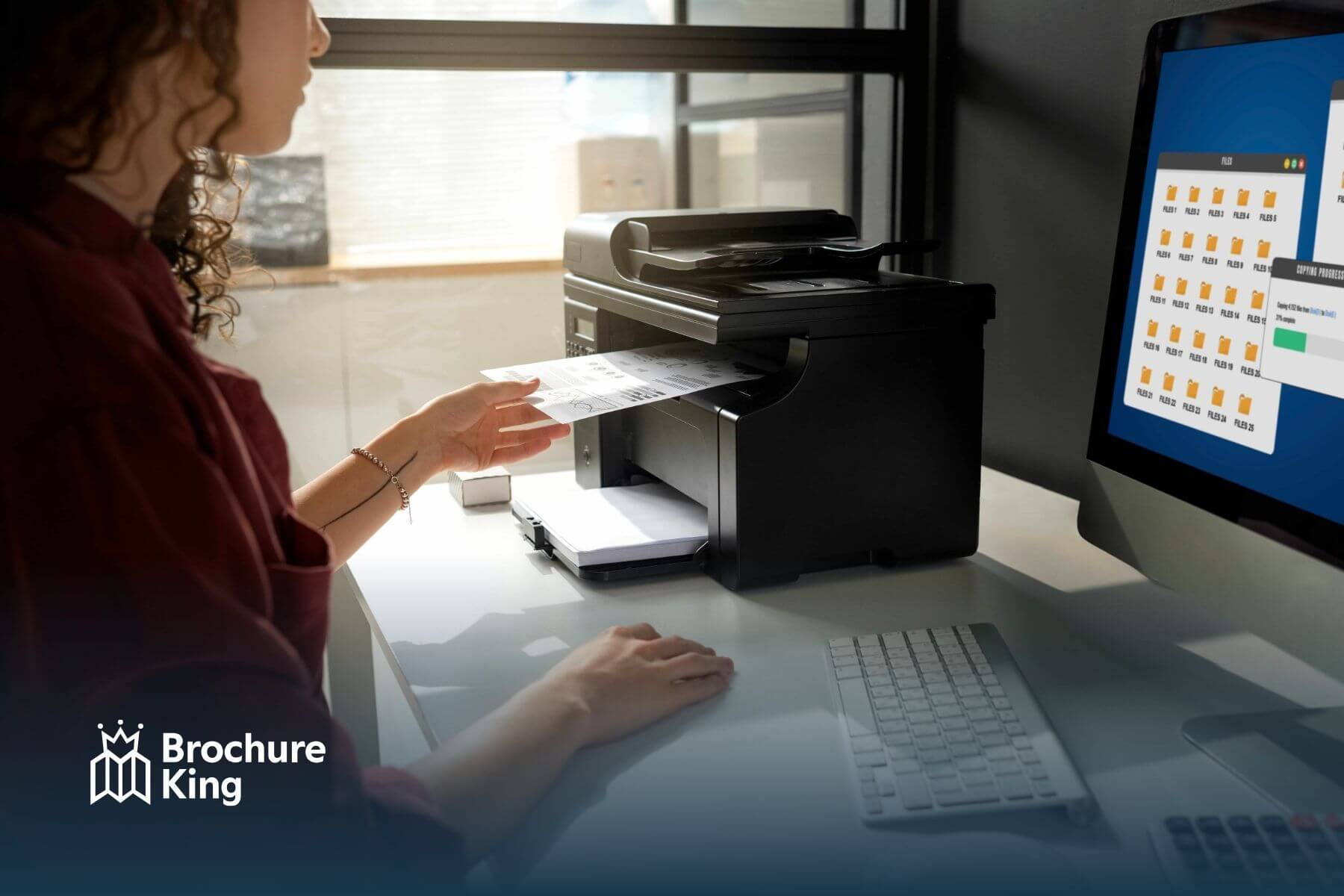
When it comes to printing, the file format you choose is crucial for ensuring your designs come out sharp and clear. Here’s a breakdown of the best formats for different print needs:
- PDF: The best format for most print jobs. PDFs preserve your design’s fonts, images, and layout exactly as you created them, making them ideal for brochures, flyers, and business cards. PDFs also ensure consistent color reproduction across different devices and printers.
- AI (Adobe Illustrator): If you’re working with vector graphics, AI files are perfect. They’re scalable without losing quality, making them great for logos, illustrations, and high-resolution printing.
- PNG: While PNG is excellent for web use and images with transparent backgrounds, it’s not ideal for high-quality printing due to its compression, which can result in pixelation.
- JPG: Best for photos and images with gradients, but JPGs lose quality with each save, so it’s less reliable for high-quality prints compared to PDF or AI.
For the best results, stick to PDF or AI for professional printing. These formats ensure your design looks polished and crisp on every page.
At Brochure King, we make it easy to upload and print your designs with the best formats for quality results.
Ready to bring your print materials to life? Contact us or request a quotetoday!
SOURCE
- https://www.reddit.com/r/CommercialPrinting/comments/1chr8u3/printing_an_eps_file_vs_a_pdf_file_is_there_any/
- https://helpx.adobe.com/uk/acrobat/using/advanced-pdf-print-settings.html
- https://99designs.com/blog/tips/image-file-types/
- https://www.shutterstock.com/blog/jpg-vs-png-vs-pdf
- https://www.adobe.com/acrobat/hub/guide-to-image-file-formats.html
 Hi! How can we help?